
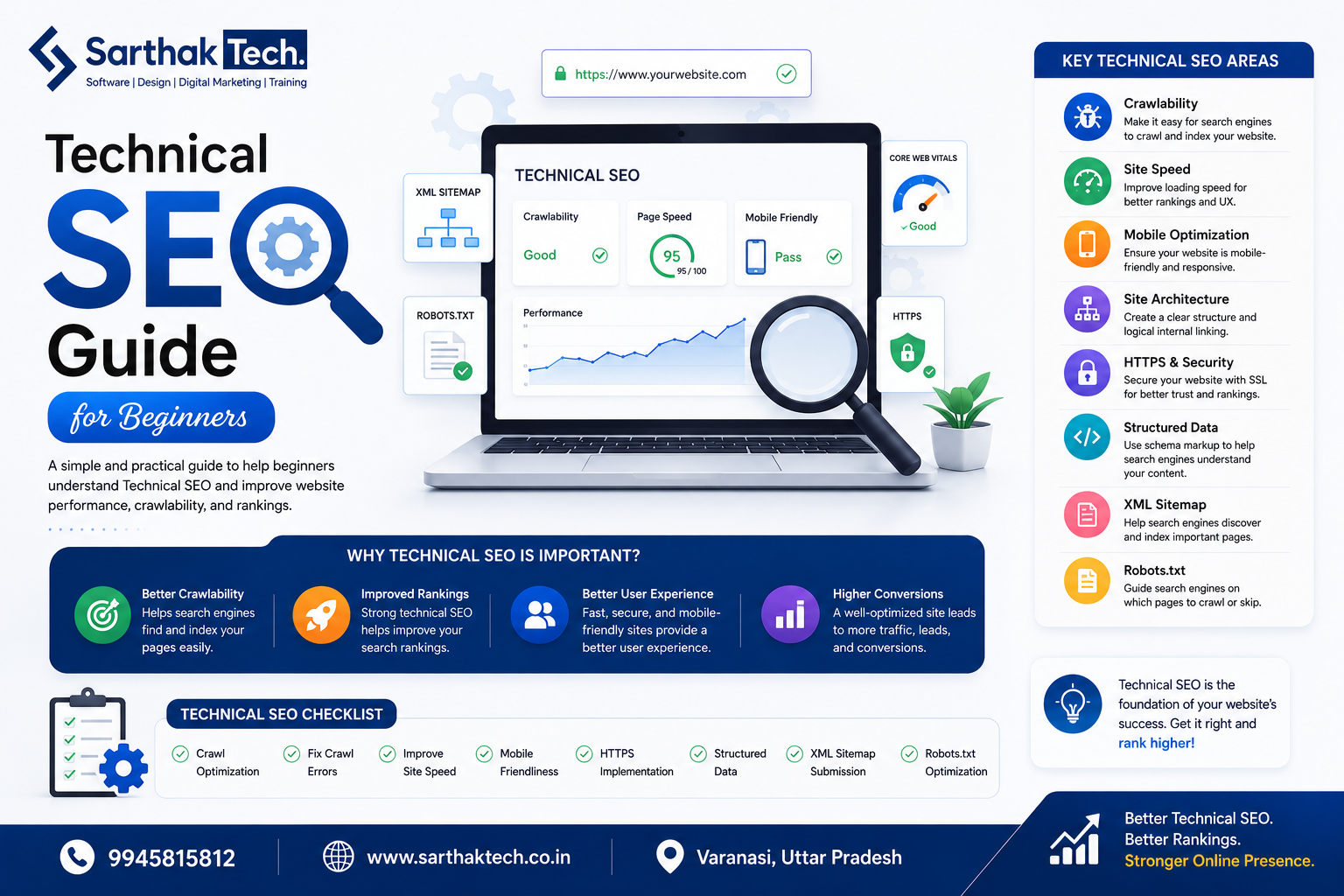
Technical SEO is the foundation of every successful website. Even if you create high-quality content and build backlinks, your pages may not rank well if search engines cannot crawl, index, or understand your website properly.
This beginner-friendly guide explains what technical SEO is, why it matters, and how you can optimize your website step by step—even without advanced technical knowledge.
What Is Technical SEO?
Technical SEO is the process of optimizing your website’s infrastructure so search engines like Google can easily crawl, index, and rank your pages.
Unlike on-page SEO, which focuses on content and keywords, technical SEO improves the backend elements of your website, ensuring it performs well for both users and search engines.
Why Is Technical SEO Important?
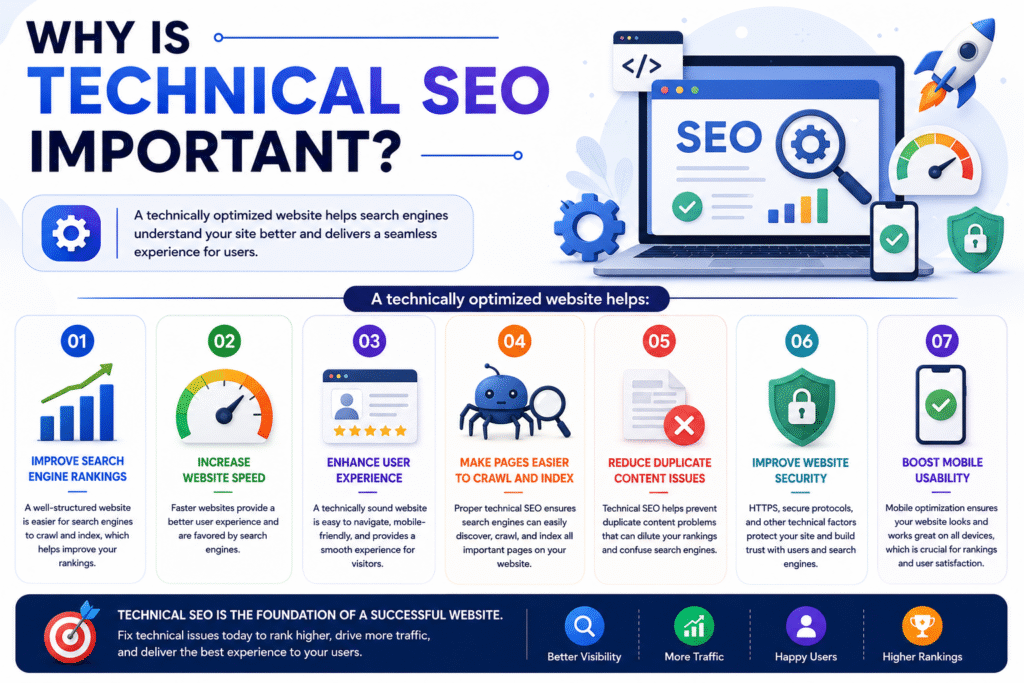
A technically optimized website helps:
- Improve search engine rankings
- Increase website speed
- Enhance user experience
- Make pages easier to crawl and index
- Reduce duplicate content issues
- Improve website security
- Boost mobile usability
Without technical SEO, even great content can struggle to appear in search results.
Key Elements of Technical SEO
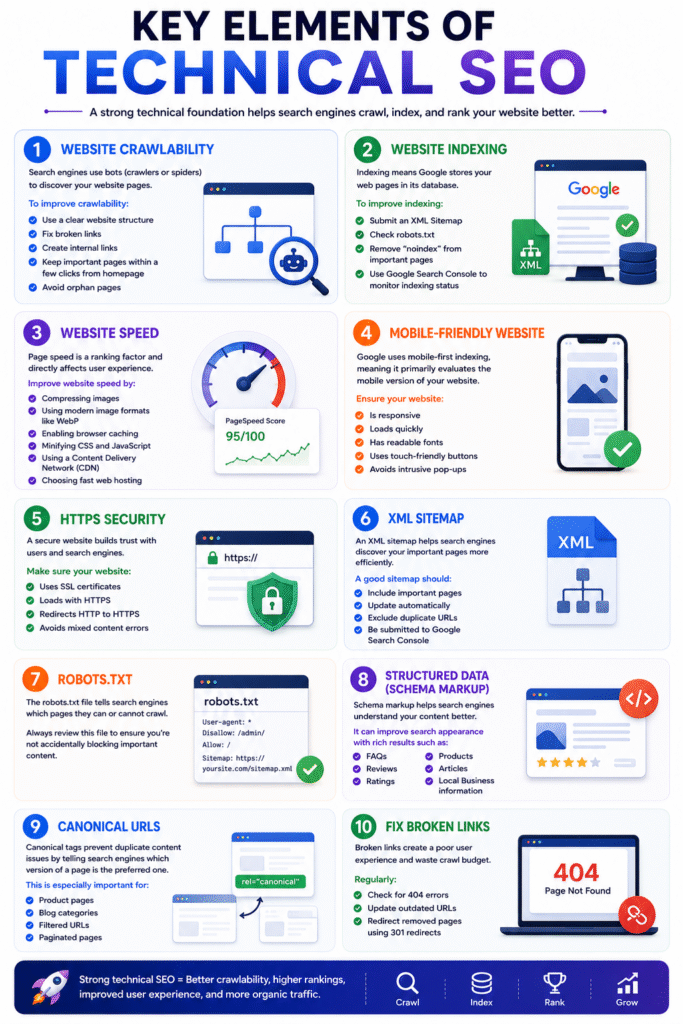
1. Website Crawlability
Search engines use bots (also called crawlers or spiders) to discover your website pages.
To improve crawlability:
- Use a clear website structure
- Fix broken links
- Create internal links
- Keep important pages within a few clicks from the homepage
- Avoid orphan pages
2. Website Indexing
Indexing means Google stores your web pages in its database.
To improve indexing:
- Submit an XML Sitemap
- Check robots.txt
- Remove “noindex” from important pages
- Use Google Search Console to monitor indexing status
3. Website Speed
Page speed is a ranking factor and directly affects user experience.
Improve website speed by:
- Compressing images
- Using modern image formats like WebP
- Enabling browser caching
- Minifying CSS and JavaScript
- Using a Content Delivery Network (CDN)
- Choosing fast web hosting
4. Mobile-Friendly Website
Google uses mobile-first indexing, meaning it primarily evaluates the mobile version of your website.
Ensure your website:
- Is responsive
- Loads quickly
- Has readable fonts
- Uses touch-friendly buttons
- Avoids intrusive pop-ups
5. HTTPS Security
A secure website builds trust with users and search engines.
Make sure your website:
- Uses SSL certificates
- Loads with HTTPS
- Redirects HTTP to HTTPS
- Avoids mixed content errors
6. XML Sitemap
An XML sitemap helps search engines discover your important pages more efficiently.
A good sitemap should:
- Include important pages
- Update automatically
- Exclude duplicate URLs
- Be submitted to Google Search Console
7. Robots.txt
The robots.txt file tells search engines which pages they can or cannot crawl.
Always review this file to ensure you’re not accidentally blocking important content.
8. Structured Data (Schema Markup)
Schema markup helps search engines understand your content better.
It can improve search appearance with rich results such as:
- FAQs
- Reviews
- Ratings
- Products
- Articles
- Local Business information
9. Canonical URLs
Canonical tags prevent duplicate content issues by telling search engines which version of a page is the preferred one.
This is especially important for:
- Product pages
- Blog categories
- Filtered URLs
- Paginated pages
10. Fix Broken Links
Broken links create a poor user experience and waste crawl budget.
Regularly:
- Check for 404 errors
- Update outdated URLs
- Redirect removed pages using 301 redirects
Technical SEO Checklist
Use this checklist to improve your website:
✅ HTTPS Enabled
✅ Mobile-Friendly Design
✅ Fast Loading Pages
✅ XML Sitemap Submitted
✅ Robots.txt Configured
✅ Internal Linking
✅ No Broken Links
✅ Structured Data Added
✅ Canonical Tags Implemented
✅ Google Search Console Connected
Best Technical SEO Tools
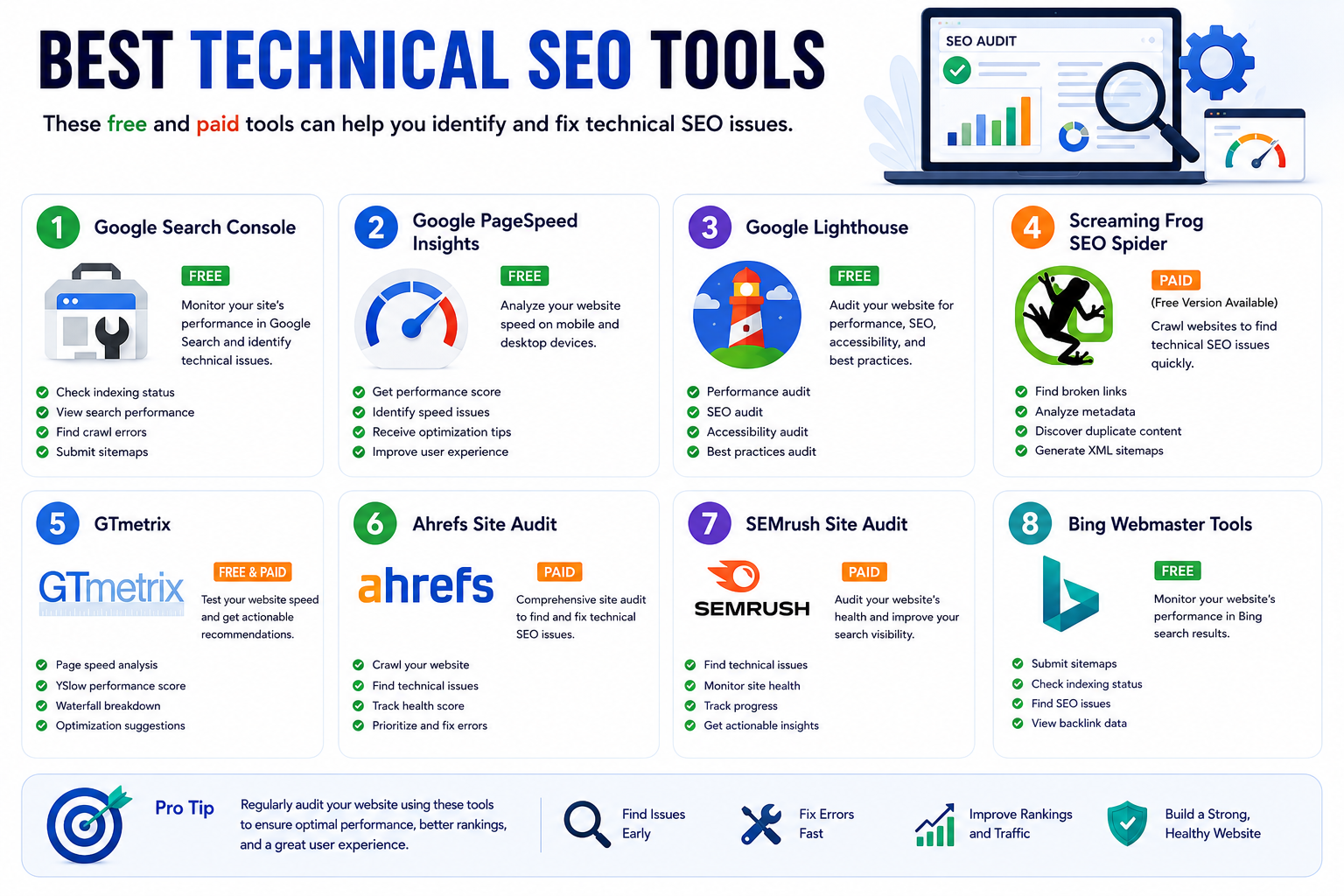
These free and paid tools can help you identify and fix technical SEO issues:
- Google Search Console
- Google PageSpeed Insights
- Google Lighthouse
- Screaming Frog SEO Spider
- GTmetrix
- Ahrefs Site Audit
- SEMrush Site Audit
- Bing Webmaster Tools
Common Technical SEO Mistakes
Avoid these mistakes:
- Slow-loading pages
- Duplicate content
- Broken internal links
- Missing meta tags
- Missing sitemap
- Blocking pages in robots.txt
- Non-responsive website
- Missing HTTPS
- Large image files
- Redirect chains
Tips for Beginners
If you’re new to technical SEO:
- Start with Google Search Console
- Improve page speed gradually
- Keep your website organized
- Use descriptive URLs
- Optimize images before uploading
- Check your site regularly for errors
- Update plugins and themes
- Monitor website performance monthly
Conclusion
Technical SEO may seem complex at first, but it plays a vital role in helping search engines understand and rank your website. By focusing on crawlability, indexing, page speed, mobile usability, HTTPS security, and structured data, you can build a strong SEO foundation that supports long-term growth.
Remember, technical SEO is not a one-time task. Regular audits and ongoing improvements will keep your website healthy and competitive.
Frequently Asked Questions (FAQs)
Technical SEO focuses on optimizing your website’s infrastructure so search engines can crawl, index, and rank your pages efficiently.
Not necessarily. Many basic improvements—such as improving page speed, submitting a sitemap, and using HTTPS—can be implemented with beginner-friendly tools and website builders.
A faster website improves user experience, reduces bounce rates, and is a ranking factor considered by search engines.
An XML sitemap is a file that lists the important pages on your website, helping search engines discover and index them more efficiently.
Mobile-first indexing means search engines primarily use the mobile version of your website when evaluating and ranking your pages.
It’s recommended to perform a technical SEO audit every 3–6 months, or after major website updates, redesigns, or migrations.